Keep clients, active work, invoices and billable time connected without turning your freelance business into a heavy CRM.
Built around the job
Freelance work scattered across client context, project status, invoices and billable time.
When freelance work starts living in too many places
Client context sits in email, project status lives in a task list, invoices live somewhere else and billable time becomes another thing to remember. The problem is not a lack of tools. It is the loss of one reliable operating picture.
A lighter operating workflow
Freelancer CRM keeps the essential working loop connected: client context → active project work → invoices → billable time → review. The aim is not to recreate enterprise CRM software. It is to make the next important action easier to see.
Product evidence
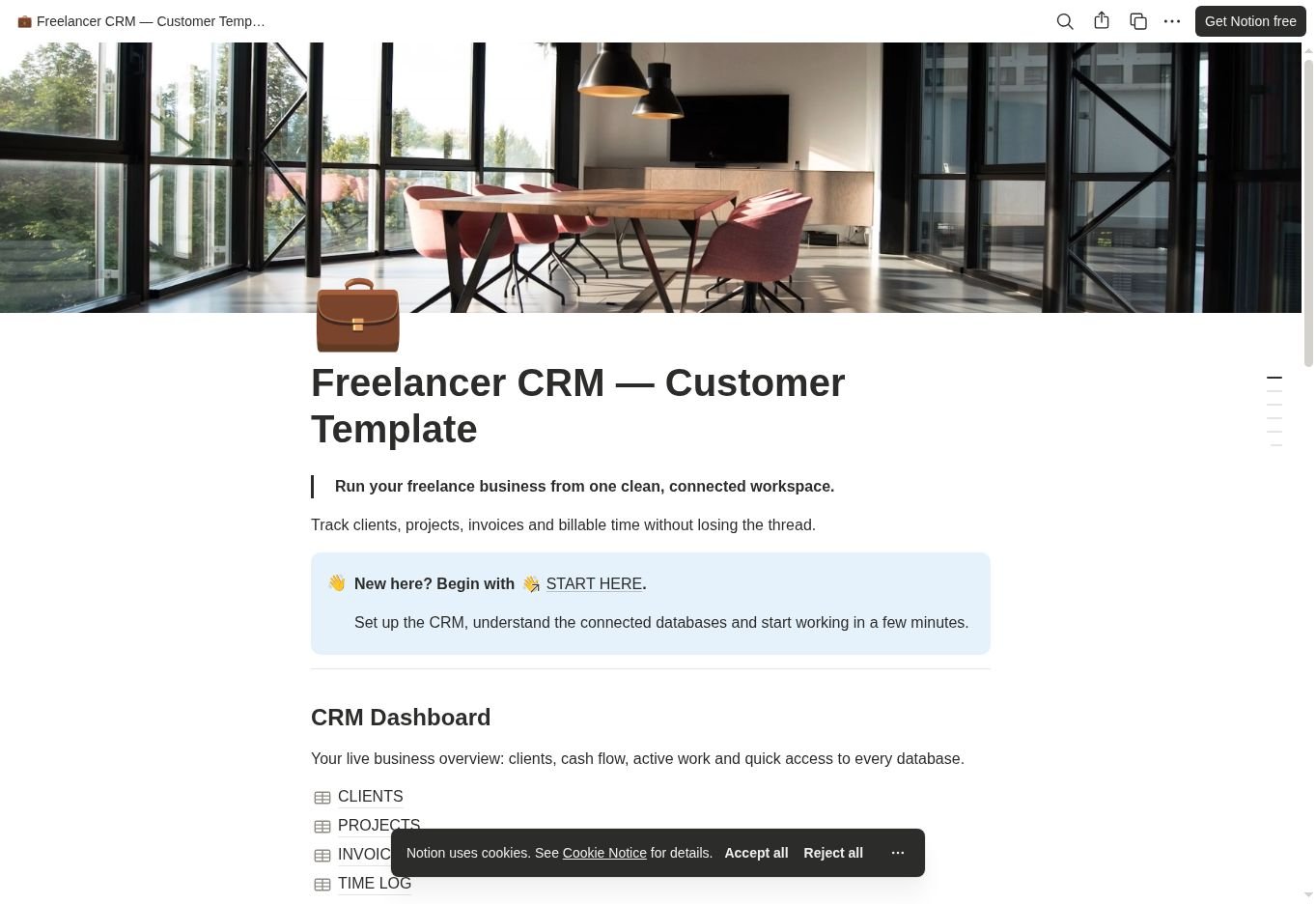
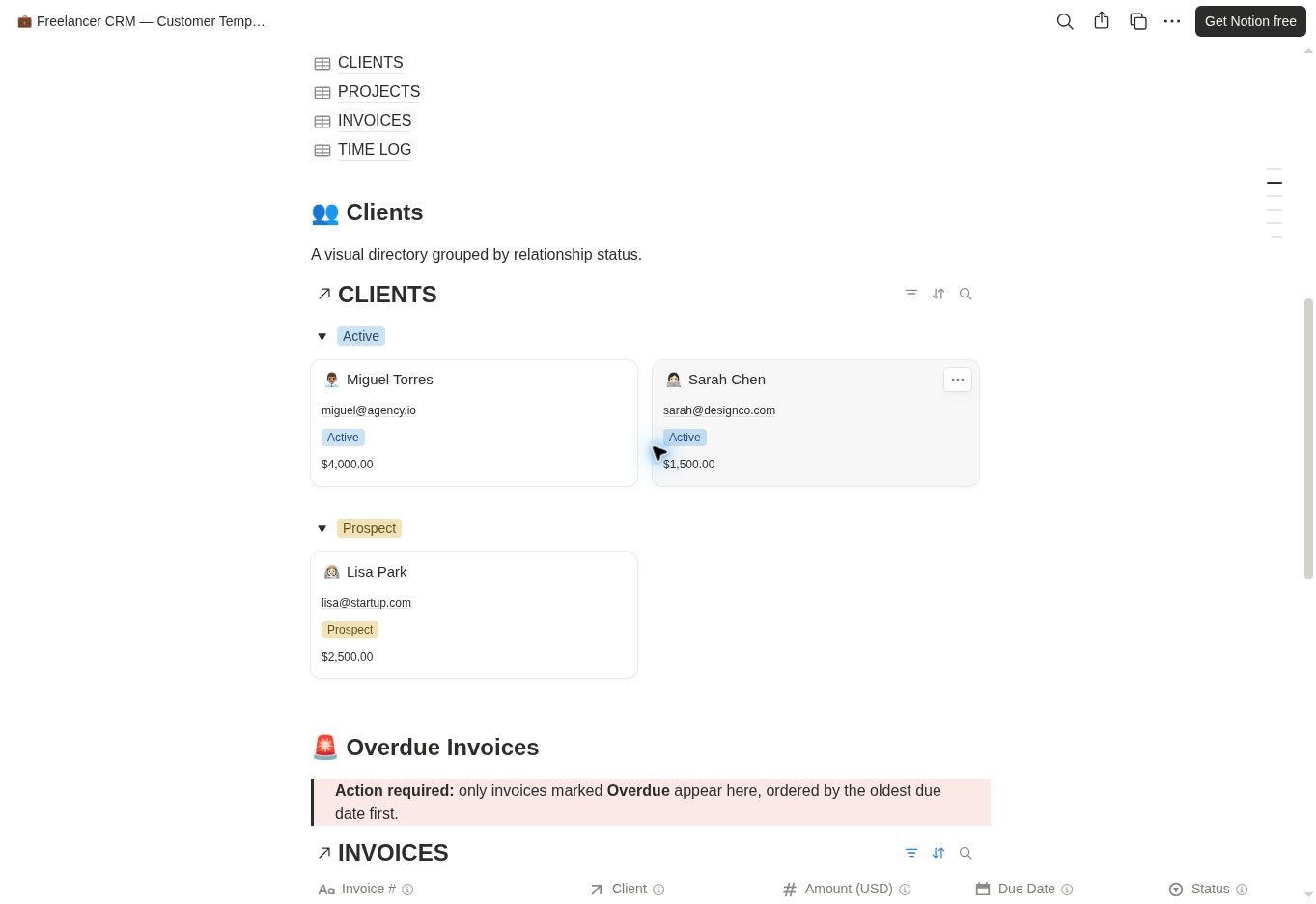
The real buyer-facing workspace keeps client context, active work, invoices and billable time connected through one operational dashboard.
Real product evidence. The Freelancer CRM dashboard and its connected business databases.Real product evidence. Client context and overdue invoice visibility inside the working system.
What the system helps you see
CRM Dashboard
CLIENTS
PROJECTS
INVOICES
TIME LOG
Clients by relationship
Overdue Invoices
Active Projects
Quick Add
Start from the dashboard
Open the workspace through START HERE, duplicate it into your own Notion account and begin with the CRM Dashboard. From there, connect real clients and active work gradually instead of rebuilding your business in one sitting.
Designed to stay focused
This is not a payment processor, accounting system, proposal platform or replacement for specialist financial software. It is a connected operating workspace for the parts of freelance work that become hard to track when they are scattered.
Delivery & requirements
Know what you receive before you buy.
Instant digital download: 1 PDF access guide to the private Notion template link; free Notion account and internet required; no physical item; personal or internal business use only; no resale or redistribution.
Problems behind the system
Read the problem before you buy the structure.
Journal notes connected to this system because they address work it is designed to help control.
Connect Notion databases with a Clients–Projects example. Set up relations and rollups, test three changes and troubleshoot totals without duplicating records.
Track freelance leads and proposal follow-ups with a simple pipeline. Use six sample opportunities, a dated action queue and checks for missing next steps.