Problem note
How to Track Wedding Vendor Payments, Deposits and Due Dates
A practical wedding payment workflow for tracking vendor totals, deposits, instalments, due dates and remaining balances without rebuilding the budget.
Read the noteWedding planning system
Keep the celebration connected without carrying the whole plan in your head.
Built around the job
Wedding planning scattered across guests, money, partners, tasks, documents and key dates.
A calm, connected workspace for the people, money, partners, decisions and deadlines that make a wedding plan move.
Wedding planning becomes difficult when RSVPs, vendor commitments, payments, documents, decisions and key dates live in different places. The problem is not a lack of lists. It is losing the connection between what changed, what needs attention and what happens next.
The Wedding Office brings the work into dedicated planning areas while keeping the current priorities visible in one headquarters.
The system is built around a central planning headquarters and a Live Planning Desk that surfaces active priorities, upcoming payments, open RSVPs and key dates.
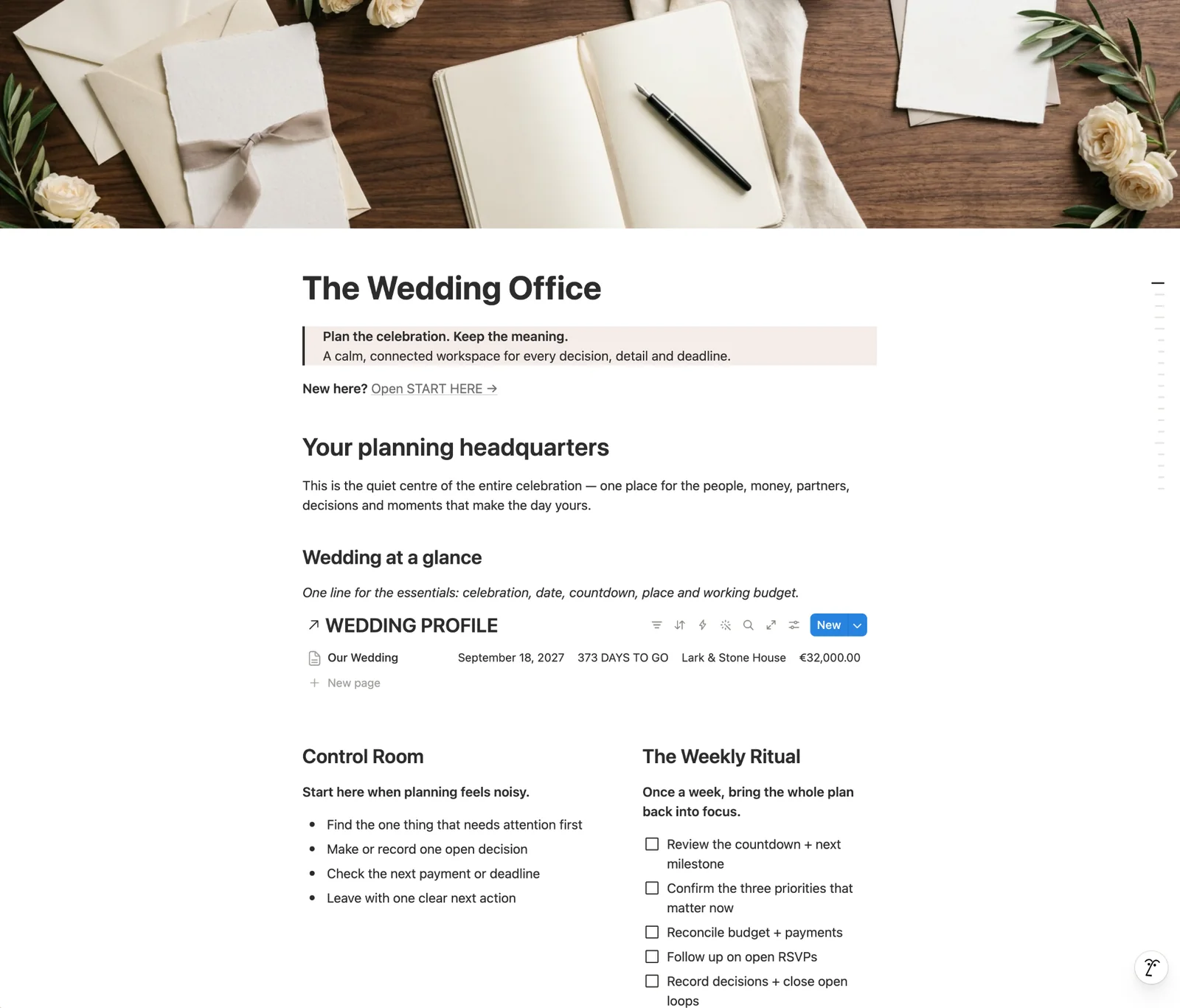
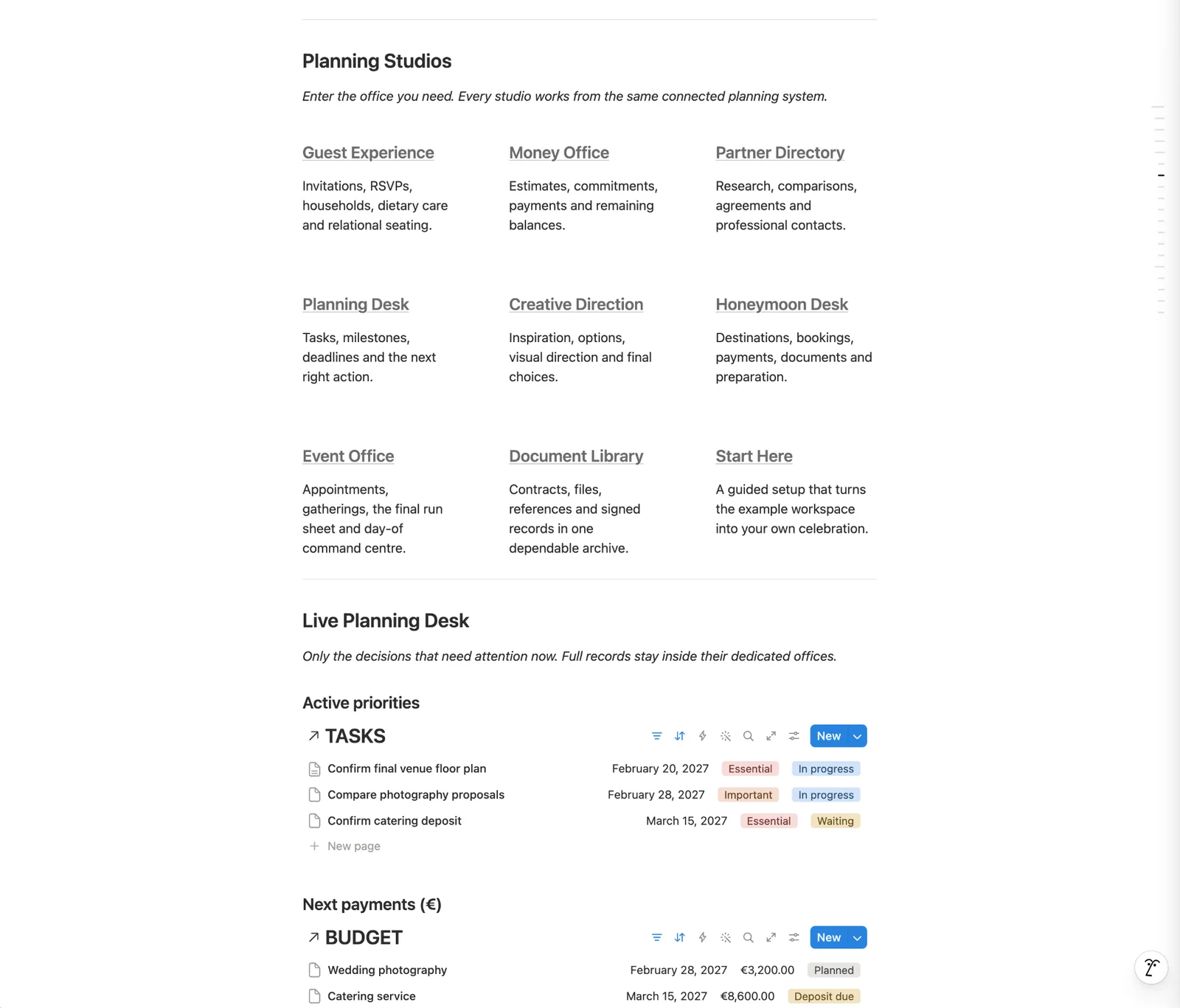
Planning Desk, Guest Experience, Money Office, Partner Directory, Event Office, Creative Direction, Document Library, Honeymoon Desk and a guided Start Here setup.
Start in the headquarters. Check what needs attention first, record one open decision, review the next payment or deadline and leave with one clear next action.
This system is designed to organize wedding planning work in Notion. It is not a payment processor, vendor marketplace or replacement for professional legal, financial or event-planning advice.
Delivery & requirements
Problems behind the system
Journal notes connected to this system because they address work it is designed to help control.
Problem note
A practical wedding payment workflow for tracking vendor totals, deposits, instalments, due dates and remaining balances without rebuilding the budget.
Read the noteNext step