When a client changes a project, the request is only the beginning of the record.
Months later, the useful questions are different: What changed? Was it included? What did it cost? Did the deadline move? Who approved it? What happened next?
If those answers live across chat messages, meeting notes, tasks and memory, even a small change can become difficult to reconstruct.
The solution is not to document everything. It is to preserve the few facts that explain the decision.
1. Capture the specific request
“Website changes” is too broad. Record the actual request: “Add a separate case studies page with three projects, using text and images supplied by the client.” Link the original message or meeting note so the context stays recoverable.
Separate requests when they have different impacts or can receive different decisions. A page addition and a copy correction should not disappear into one record called October updates.
2. Identify the project, deliverable and version
Record the client, project and affected deliverable. Link the relevant baseline, such as Acme website — approved structure v2. You need enough context to compare the request with what was agreed.
3. State the original scope and proposed change
Original: four pages, with a brief case studies block on Home. Requested: a fifth page containing three complete case studies. That comparison helps you distinguish a correction, an included revision and additional work.
Use the revision versus new scope guide when the classification is unclear.
4. Identify the requester and decision maker
Record who raised the request and when. Identify who needs to confirm it. Several people may comment while one person coordinates the final decision. If that responsibility is unclear, make clarification your next action.
5. Assess the impact before confirmation
| Area | Question |
|---|---|
| Work | Which production, review and testing tasks are needed? |
| Fee | Which additional amount, if any, needs agreement? |
| Schedule | Which delivery date or milestone changes? |
| Dependencies | Which content or decision is needed before starting? |
Estimate the complete work, including content preparation, responsive adjustments and review. If information is missing, keep the assessment pending and record the question needed to finish it.
A complete change record
These details are fictional. Four hours, €240 and one extra working day illustrate the record; they are not standard pricing or delivery recommendations.
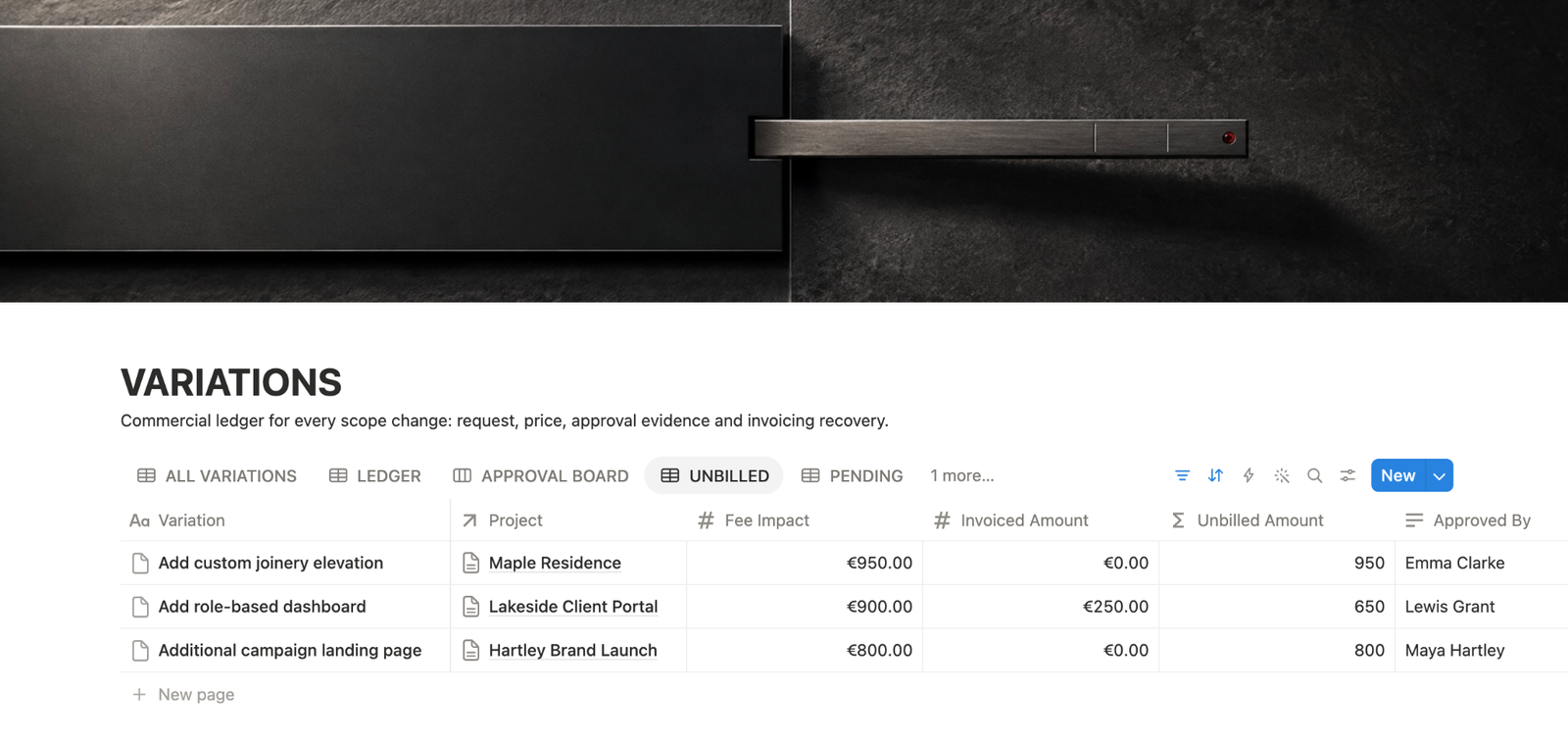
| Field | Example |
|---|---|
| Change | Separate case studies page |
| Project | Acme website |
| Requested by / date | Marta, marketing lead · 12 October 2026 |
| Baseline | Approved structure v2: four pages and a brief Home case studies block |
| Request | Fifth page with three cases |
| Estimated work / proposed fee | Four hours · €240 |
| Dependency | Client supplies three texts and their images |
| Schedule proposal | One additional working day, subject to receiving the agreed content |
| Decision maker | Marta, under the project’s agreed decision process |
| Status | Awaiting confirmation |
| Evidence | Original request linked |
| Next action | Confirm content, fee and schedule |
6. Preserve the actual decision
Keep the accepted, declined or deferred scope, agreed fee and schedule, named decision maker, confirmation date and source together. “Yes, but keep the old deadline” leaves a condition to resolve; preserve that condition before starting.
Use the approval documentation guide to attach confirmation to the exact change.
| Outcome | Record |
|---|---|
| Fee declined | Declined decision and the scope that remains in place |
| Change accepted without extra charge | Exact delivery, timing and reason for waiving the fee |
| Change postponed | Deferred decision and the condition for revisiting it |
7. Connect the implementation action
Once conditions are clear, create the production task and link it to the change. For this example: prepare the page design after receiving the three texts and images. Follow the change request workflow from assessment to implementation.
Approval, implementation, invoicing and payment answer different questions. An implemented page can still need an invoice; an approved request can still be waiting for content.
Common mistakes
Keeping only the request: add the assessment, unresolved conditions and next action.
Advancing the status too early: leave missing schedule or fee confirmation visible.
Overwriting earlier terms: preserve a reference to the original proposal and identify the revision.
Overbuilding the log: use enough detail to reconstruct the decision and hand the work back into execution.
Frequently asked questions
Should I record changes with no additional fee?
Yes, when they affect a deliverable, date or dependency. Preserve what was accepted and under which conditions.
What if I cannot estimate the impact yet?
Keep the assessment pending and record the information needed to complete it.
Does approval mean the change is implemented?
No. Approval confirms the decision. Record implementation separately when the work has been completed.
Where should I keep the client’s messages?
Link the source from the change record and keep a short description that makes the context understandable.
The rule worth keeping
Document the change before documenting the task.
Preserve the request, the original boundary, the impact, the decision and the approval. Then connect the work that follows.
If the record can explain what changed without reopening old messages, it is doing its job.
If you are still deciding whether a request belongs inside the original agreement, use the revision vs new scope test first. Once it is a genuine change, the change request workflow controls the process; this log preserves the history.