A scope change report does not need to be complicated. It needs to make one thing clear: what was originally agreed, what changed, what that change affects, and what was decided.
When those details stay scattered across emails, messages and meeting notes, a small client request can quietly become extra work with no clear record of how it entered the project. A simple scope change report gives that change a place to live.
Copy this scope change report structure
Copy the labels below into a project note or Notion page. Replace each bracketed prompt with the facts of your request. Keep approval pending until the required decision is recorded.
Project: [existing project]
Change requested: [specific addition, removal or revision]
Original scope reference: [agreed version or source]
Requested by and date: [person; date]
Request source: [message or document reference]
Reason: [what the requester wants to achieve]

Estimated effort: [assessed effort, or not yet assessed]
Fee impact: [proposed fee, no additional fee, or unresolved]
Schedule impact: [specific effect, or not yet assessed]
Dependencies: [inputs or decisions required]

Approval status: [pending / approved / declined]
Decision-maker: [authorized person]
Decision and source: [confirmed terms and reference]
Next action and owner: [what happens next; who acts]
Unknown is different from zero. If you have not assessed the fee or timing, say so. A blank impact field should not imply that the change is free or has no delivery effect.
For a connected version of this process, follow the Notion scope-change tracker guide.
Scope change report example
Imagine you are building a website for a client. The agreed project includes a homepage, an about page, a services page and a contact page.
Halfway through the project, the client asks for an additional case studies section on the homepage.
The request sounds small. But it may require new layout work, content preparation, responsive adjustments, testing and another approval round.
Instead of treating the request as another message in the project conversation, record it as a scope change.
Example scope change record
- Project
- Acme Studio Website
- Change requested
- Add a case studies section to the homepage.
- Requested by
- Client
- Date requested
- 18 September 2026
- Original scope
- Homepage design and build based on the approved content structure. No case studies section included.
- Reason for change
- The client wants to show recent work before visitors reach the services section.
- Estimated impact
- Approximately 3 additional hours for layout, responsive work and implementation.
- Cost impact
- €180 additional fee.
- Schedule impact
- Delivery moves by one working day.
- Status
- Waiting for client approval.
- Decision
- Not started until the additional fee and schedule change are approved.
That is enough to turn an informal request into a visible project decision.
The purpose is not bureaucracy. The purpose is to stop the project from relying on memory.
What should a scope change report include?
You do not need a large change-management system for ordinary client work. For most freelance and small-team projects, a useful record can stay compact.
1. The project
Connect the change to the project it belongs to. This becomes increasingly important when several client projects are active at the same time.
2. The requested change
Describe what the client actually asked for. Keep this factual. Avoid vague records such as “homepage changes” when the real request was “add a new case studies section”.
3. The original scope
Record what had already been agreed. Without this reference point, it becomes difficult to distinguish a correction from genuinely new work.
4. Who requested it and when
Record the requester and the date. This creates a simple history without forcing you to reconstruct the project later from email or chat.
5. The impact
Estimate what the change affects. Depending on the project, that may include time, cost, delivery date, dependencies or another part of the work.
6. Approval status
A request and an approved change are not the same thing. Make the current status visible: requested, under review, approved, declined or completed.
7. The final decision
Record what was actually agreed. This closes the loop and gives both the work and the commercial decision a clear reference point.
A simple scope change workflow
The report becomes much more useful when it is part of a small workflow instead of a document you complete after the project has already gone wrong.
- Capture the request. Record the change when it appears instead of relying on memory.
- Compare it with the agreed scope. Decide whether the request is a correction, clarification or genuinely additional work.
- Assess the impact. Check additional time, cost, delivery dates and dependencies.
- Send the decision back to the client. Make the consequence of the requested change explicit.
- Wait for approval when approval is required. Do not quietly absorb additional work while the decision remains unresolved.
- Update the project. Once approved, reflect the change in the actual project plan and keep the record attached to it.
How to track scope changes in Notion
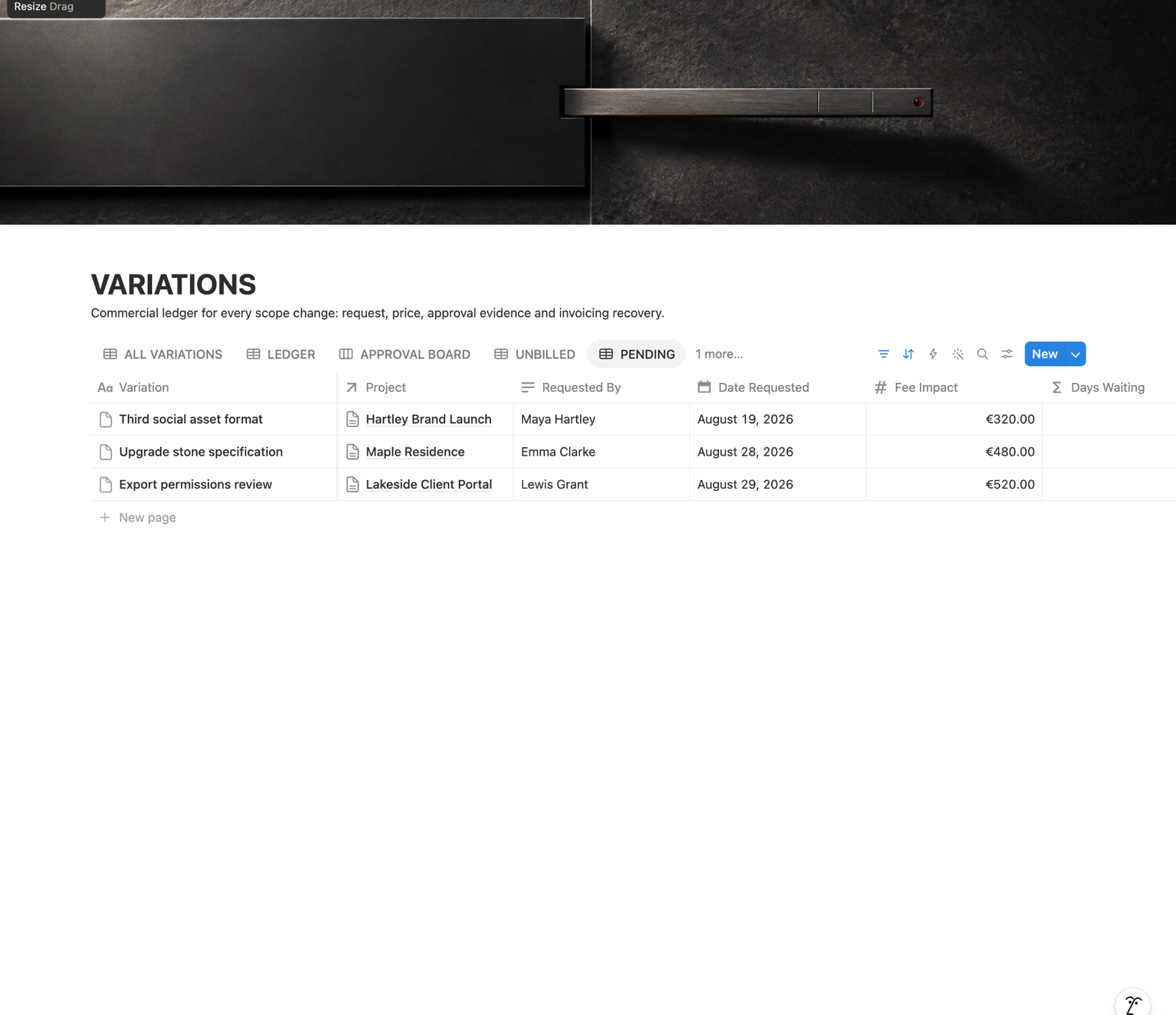
A simple Notion database works well for this because every requested change can become one record instead of another piece of text hidden inside a project page.
A basic database might contain these properties:
| Property | Purpose |
|---|---|
| Change | A short name for the requested change. |
| Project | The project affected by the request. |
| Requested by | The person who requested it. |
| Date requested | When the request entered the project. |
| Status | Requested, reviewing, approved, declined or completed. |
| Time impact | Estimated additional work. |
| Cost impact | Any additional fee associated with the change. |
| Schedule impact | Any effect on the delivery date. |
| Decision | The final agreed outcome. |
If you already maintain a Projects database, the scope change record can be related to its project. That lets you open a project and see its requested or approved changes without searching through separate notes.
Scope change report vs change request
The terms are sometimes used interchangeably, but it is useful to separate the request from the record of what happened.
A change request is the request itself: someone wants something about the agreed work to change.
A scope change record captures the request together with its impact, approval status and final decision.
For a small freelance project, these do not need to become separate documents. One database record can handle the entire process.
Common scope change tracking mistakes
Starting the work before the decision is clear
The fastest way to make a change record useless is to record the request but start the extra work before price, timing or approval has been resolved.
Recording only the request
“Client wants another section” tells you what happened, but not what it costs, what it delays or whether anyone approved it.
Using the change log as a second task manager
The change record should preserve the commercial and project decision. Once approved, the actual implementation work belongs in the normal project workflow.
Making the system too complicated
If recording a small request requires fifteen properties and ten minutes of administration, people will stop using the system. Record what helps you make and preserve the decision.
From pending request to a complete decision
The Acme example above is fictional. Its three hours, €180 fee and one-day shift illustrate the record format; estimate your own work instead of treating those figures as a standard rate or turnaround.
| Stage | What the record says | Next action |
|---|---|---|
| Requested | Add a case studies section; compare against the approved homepage structure. | Estimate work, fee and schedule impact. |
| Awaiting approval | Three estimated hours; €180 additional fee; delivery shifts one working day. Client has not confirmed. | Request a clear decision; continue unaffected work. |
| Approved | Named decision maker confirms this section, fee and revised delivery date. Source confirmation is linked. | Create the implementation task and update the project plan. |
| Completed | Implemented version and delivery date recorded; billing remains a separate check. | Check delivery evidence and agreed billing action. |
If the client declines: preserve that decision, keep the extra section outside the delivery and continue with the agreed scope. If the answer is “yes, but change the price,” keep the terms unresolved until both sides confirm the revised proposal.
A frequent mistake is using one status to mean approved, implemented and paid. These answer different questions. A completed section can still need invoicing; an approved request can still be waiting for content.
Use the change request workflow to move from assessment to action, and the approval guide to preserve the decision against the exact change.
Frequently asked questions
What is the difference between a change request and a scope change report?
The request describes what somebody wants to change. The report preserves that request alongside the original scope, estimated impact, current decision and evidence. For a small project, one record can cover both.
Should I start additional work while approval is pending?
Keep the requested work separate from approved production work until the required agreement on scope, fee and timing is clear. Continue unaffected tasks when practical, and record what depends on the unresolved decision.
What if the change has no additional fee?
Record the decision and any schedule or dependency impact anyway. A waived fee does not make the request disappear or automatically include future requests. State exactly what this decision covers.
What counts as useful approval evidence?
Preserve the client’s confirmation together with the exact change, agreed fee and schedule, named decision maker and confirmation date. Link the source message or meeting recap; clarify ambiguous replies before marking the change approved.